

Chargification — Smart Battery Alert App for Android
Chargification keeps you updated about your phone’s charging activity, from plugging in your charger to reaching your desired battery level. Get instant sound, voice, or notification alerts so you never have to keep checking your phone.
Chargification is a lightweight Android app that keeps an eye on your phone’s battery, even when you’re not actively using the app.
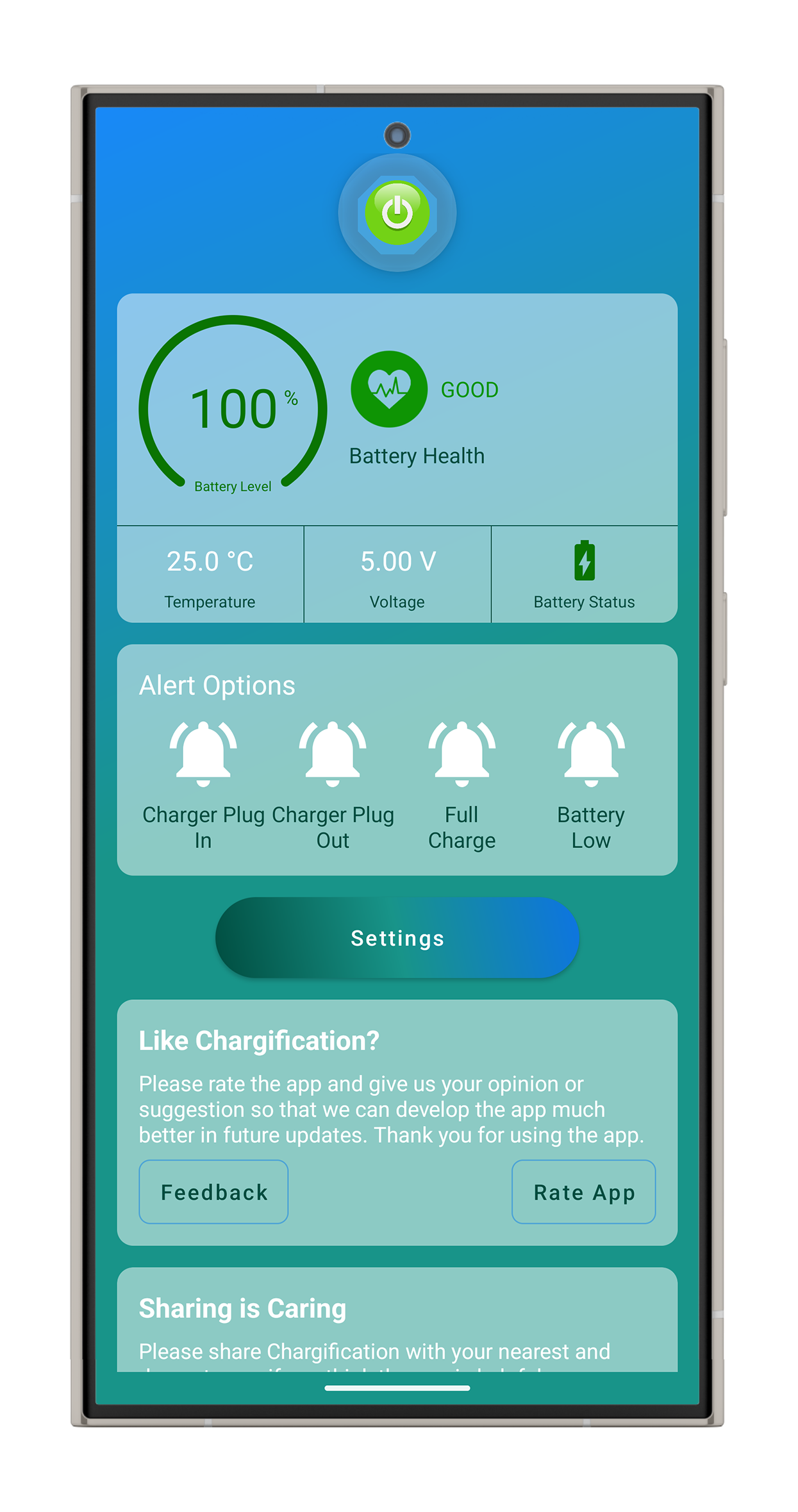
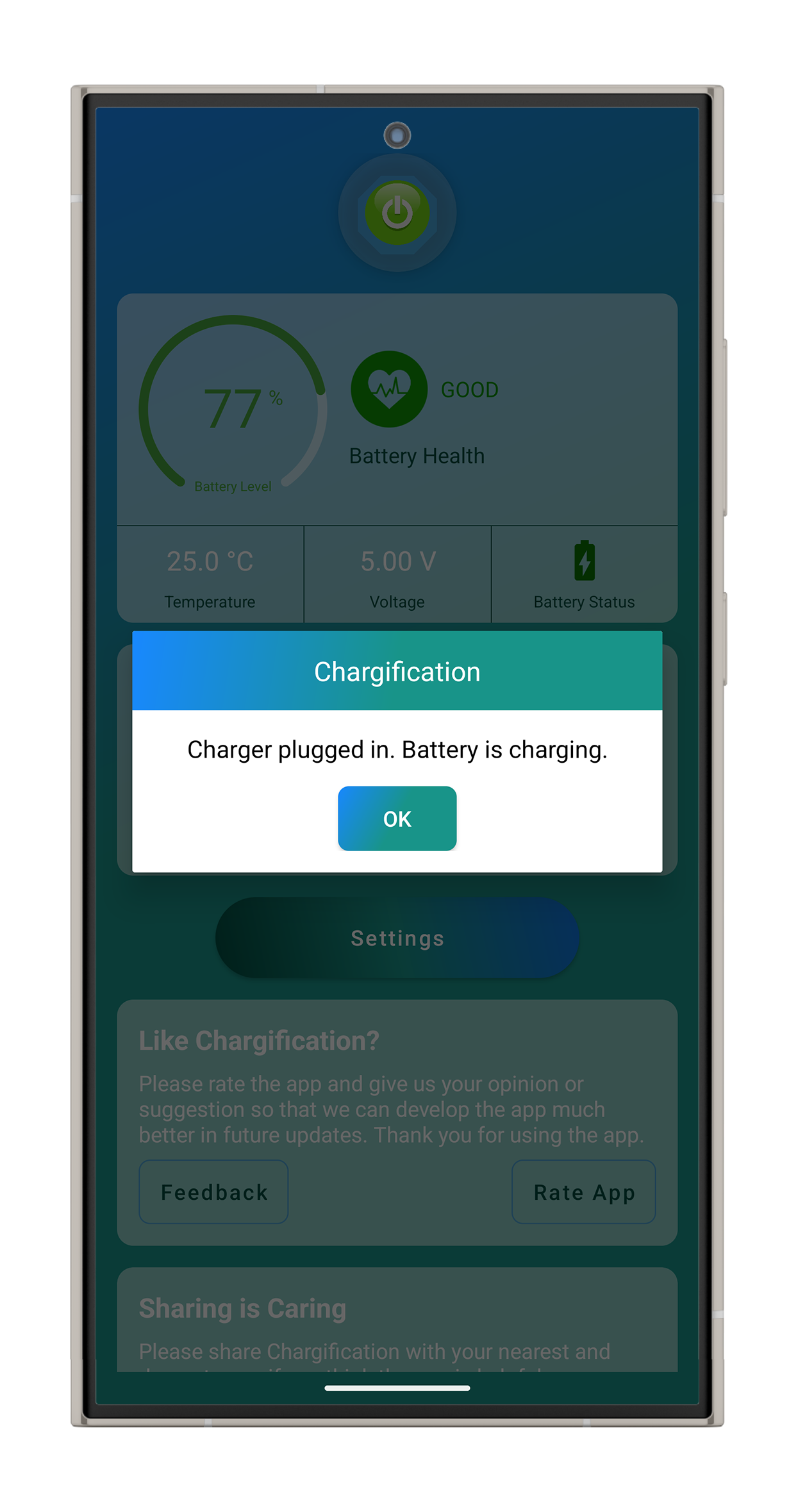
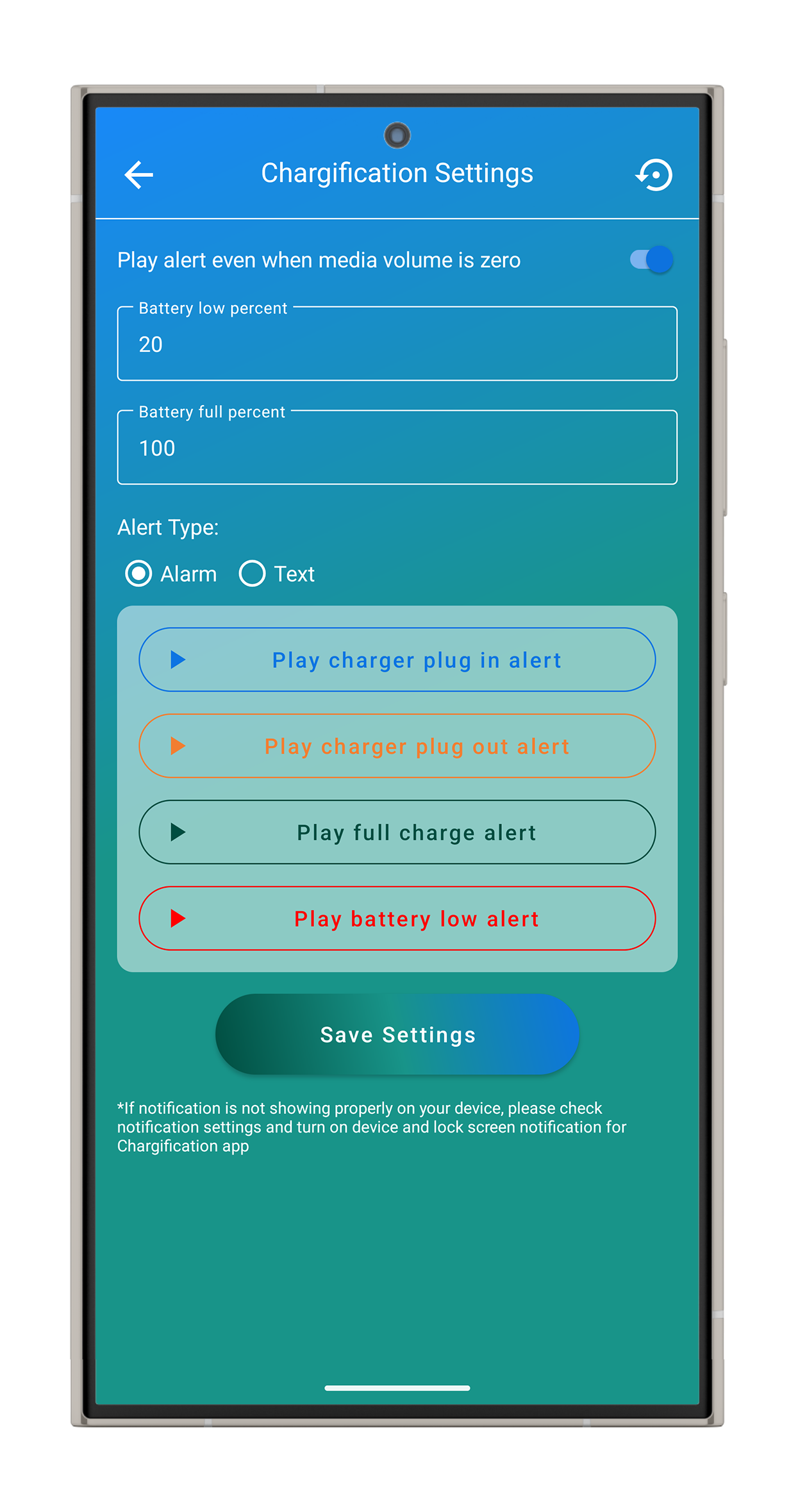
It lets you know when your charger is connected or disconnected, when the battery reaches your chosen charge level, or when it gets too low. You can decide which alerts you want, set your own charge limits, and choose whether you want to hear a sound, a spoken message, or simply see a notification.
The app also gives you a quick look at your battery’s current percentage, temperature, voltage, and overall health.
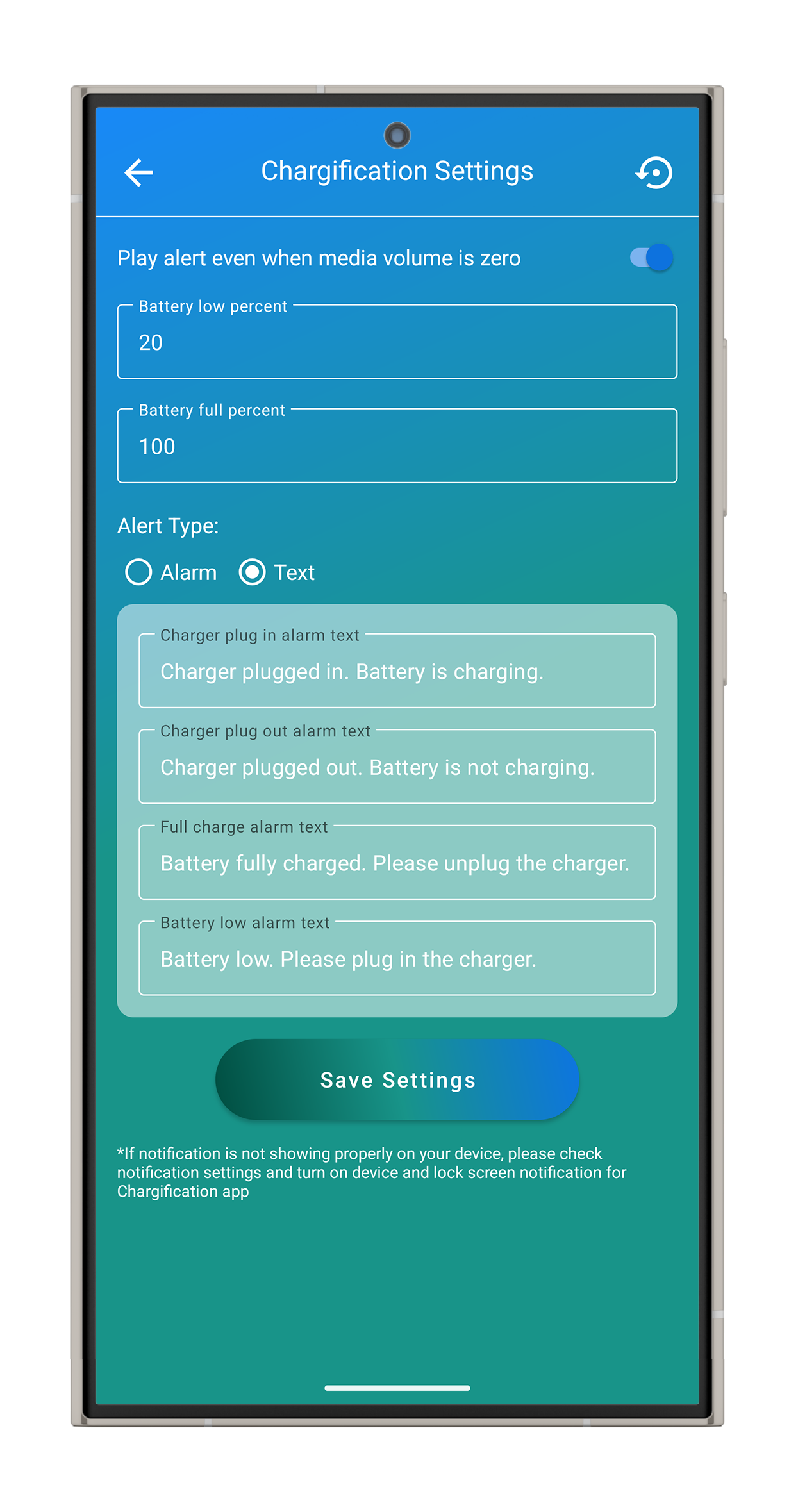
For a more convenient experience, you can customize the alert messages and sounds for different charging events. There’s even an option to make sure important alerts can still be heard when your phone is on silent.
Key Features:
- Charger connected and disconnected alerts
- Custom battery full and low-level alerts
- Sound and spoken alerts
- Notifications for charging events
- Separate sound and notification controls for each alert
- Battery percentage, temperature, voltage, and health information
- Custom alert messages
- Simple and lightweight design
- Only about 960 KB in size
The challenge
The idea behind Chargification was pretty simple: “Just let me know when something important happens to my battery.” Making that happen reliably, however, turned out to be more challenging than expected.
The app had to recognize actual charging events without repeatedly alerting the user, keep monitoring even when the app wasn’t open, and continue working reliably across different Android versions.
Another challenge was making sure important alerts could grab the user’s attention even when the phone was on silent—without permanently changing their volume settings.
And because people don’t restart their phones just to set everything up again, Chargification also needed to remember the user’s preferences and automatically resume monitoring after a restart.
What started as a small battery utility ended up being a surprisingly fun problem to solve.
The approach
- Reliable alerts: The app carefully tracks each charging event so users receive an alert only when something actually changes — no repeated or annoying notifications.
- Three ways to get your attention: Every important event can appear as a notification, an on-screen alert, and an audio alert. Users can choose between a spoken message or a pre-recorded sound.
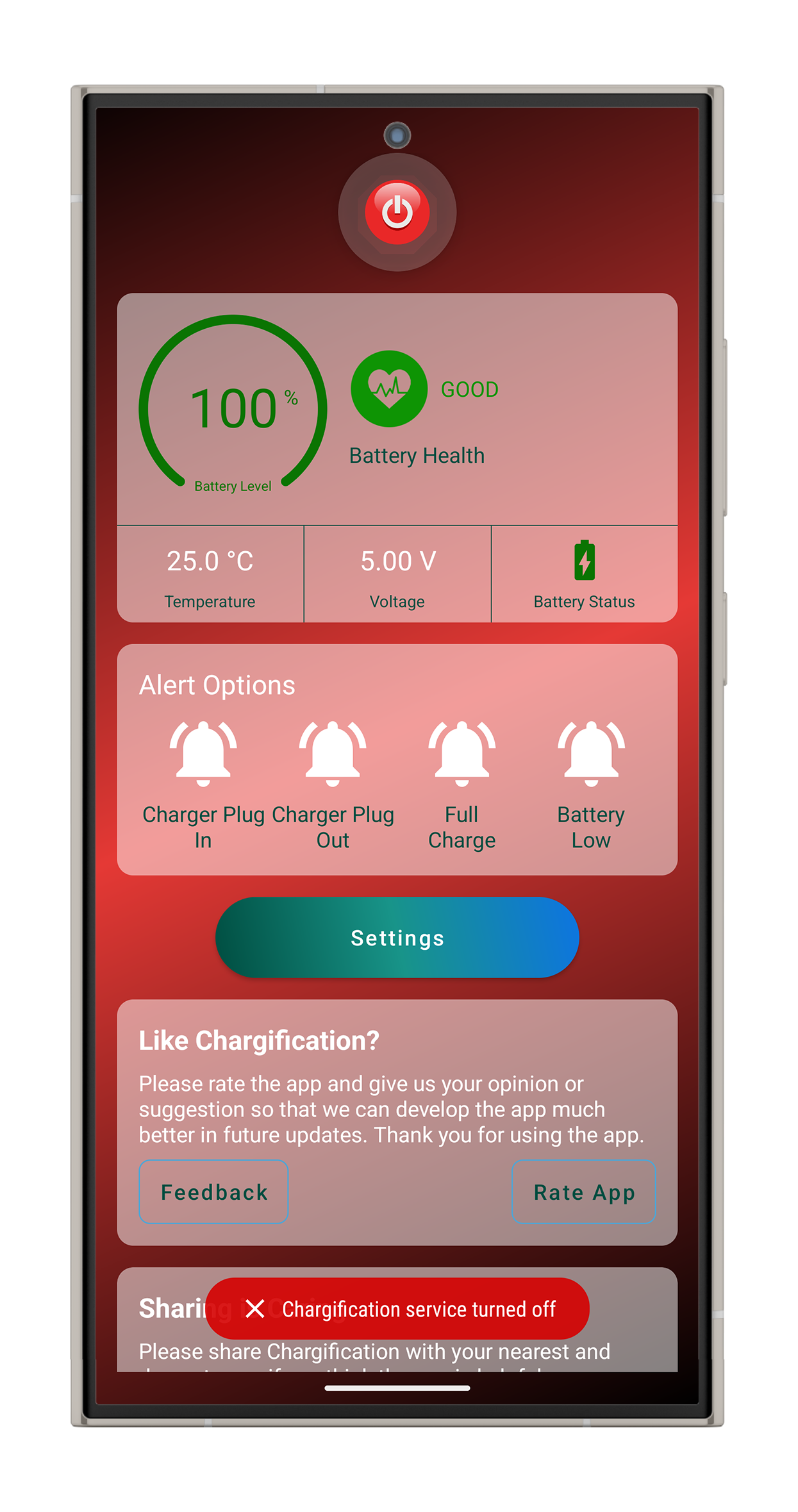
- Smart volume handling: If the phone is muted, the app can temporarily increase the volume just enough to play the alert, then automatically return it to the user’s original volume level.
- Always-on monitoring: The app keeps an eye on the battery in the background while following Android’s latest rules for background activity, allowing it to continue working reliably without unnecessary battery usage.
- Works after a restart: If the user has enabled Chargification, the app automatically starts monitoring again after the phone is restarted. If the user had turned it off, it stays off.
- Simple onboarding: A short guided walkthrough introduces the main controls, alert settings, and battery information, making it easy for new users to understand the app from the moment they open it.
The result is a small, quiet utility that keeps watching in the background and speaks up only when the user actually needs to know something.
The outcome
Chargification is live on the Google Play Store and under active development (currently at version 1.6), with in-app rating, feedback, and sharing built in to support organic growth. The result is a small, focused utility that turns an invisible daily habit — how and when you charge your phone — into something users can actively manage, with the goal of extending real-world battery lifespan without adding any extra mental overhead to daily use.
Screens
More like this
 Client
iOS
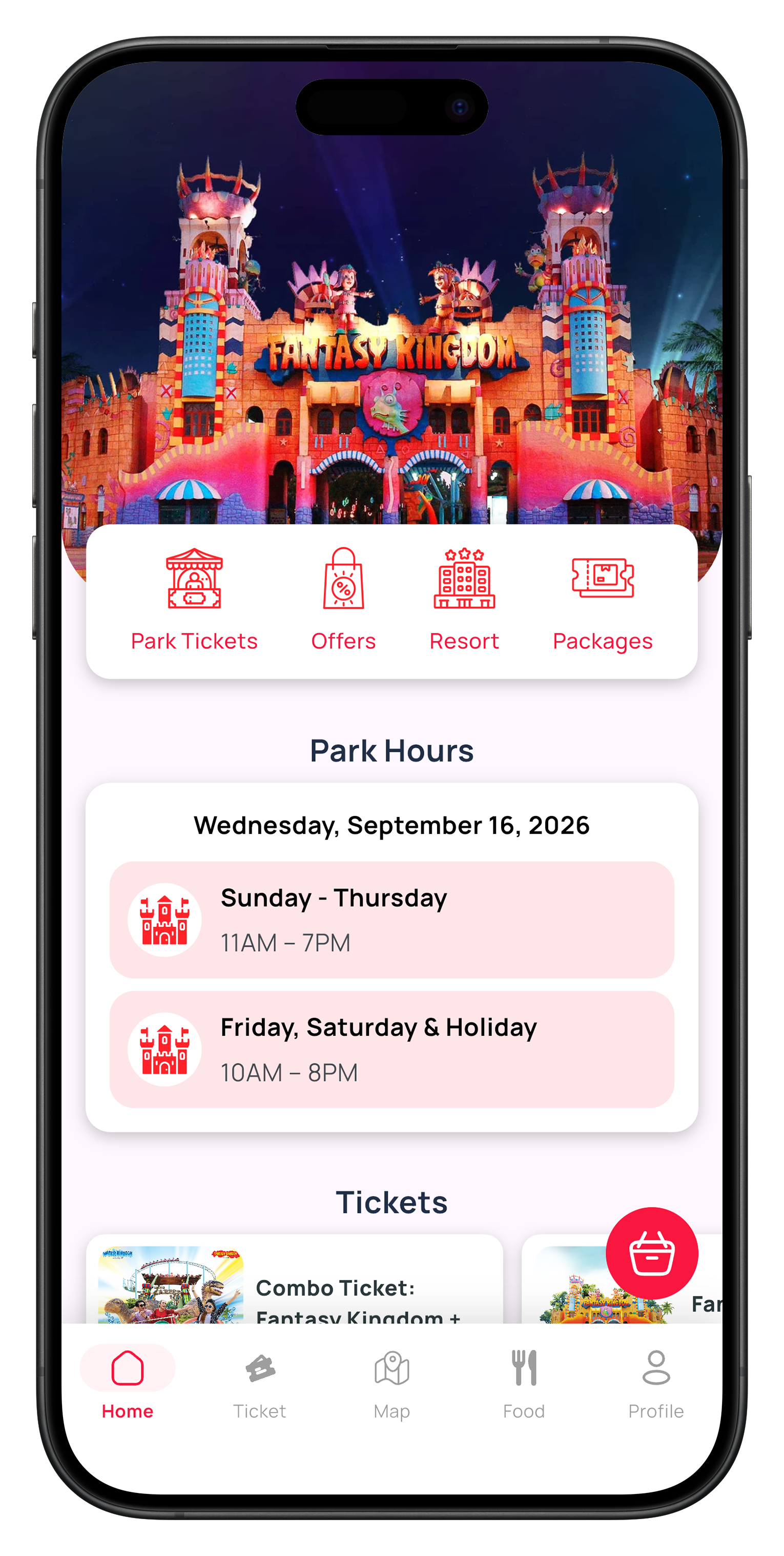
Fantasy Kingdom — amusement park ticketing app
The first amusement-park app built for iOS in Bangladesh, alongside its Android counterpart.

 Client
Android
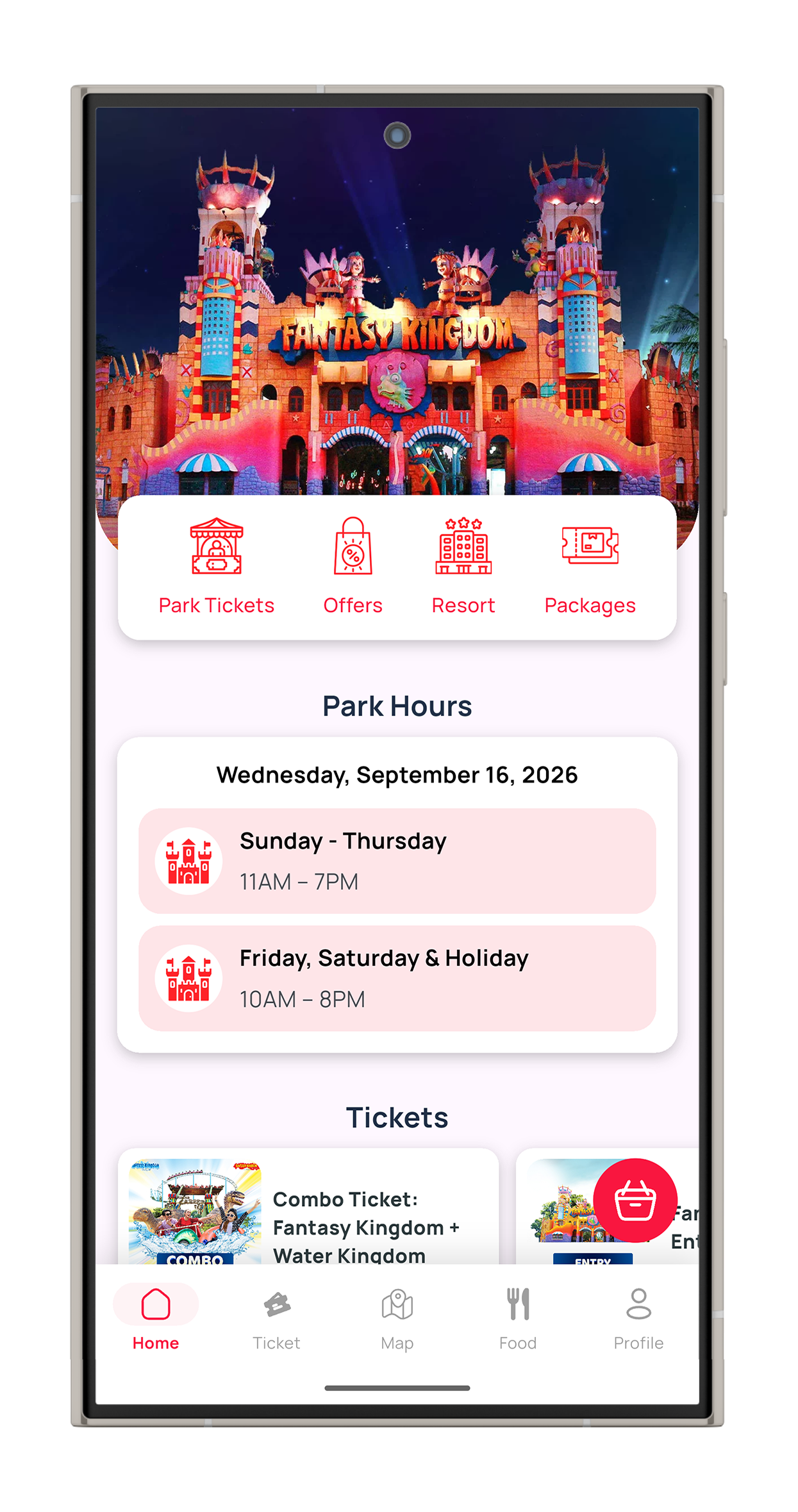
Fantasy Kingdom — amusement park ticketing app
The first amusement-park app built for iOS in Bangladesh, alongside its Android counterpart.

 Client
Android
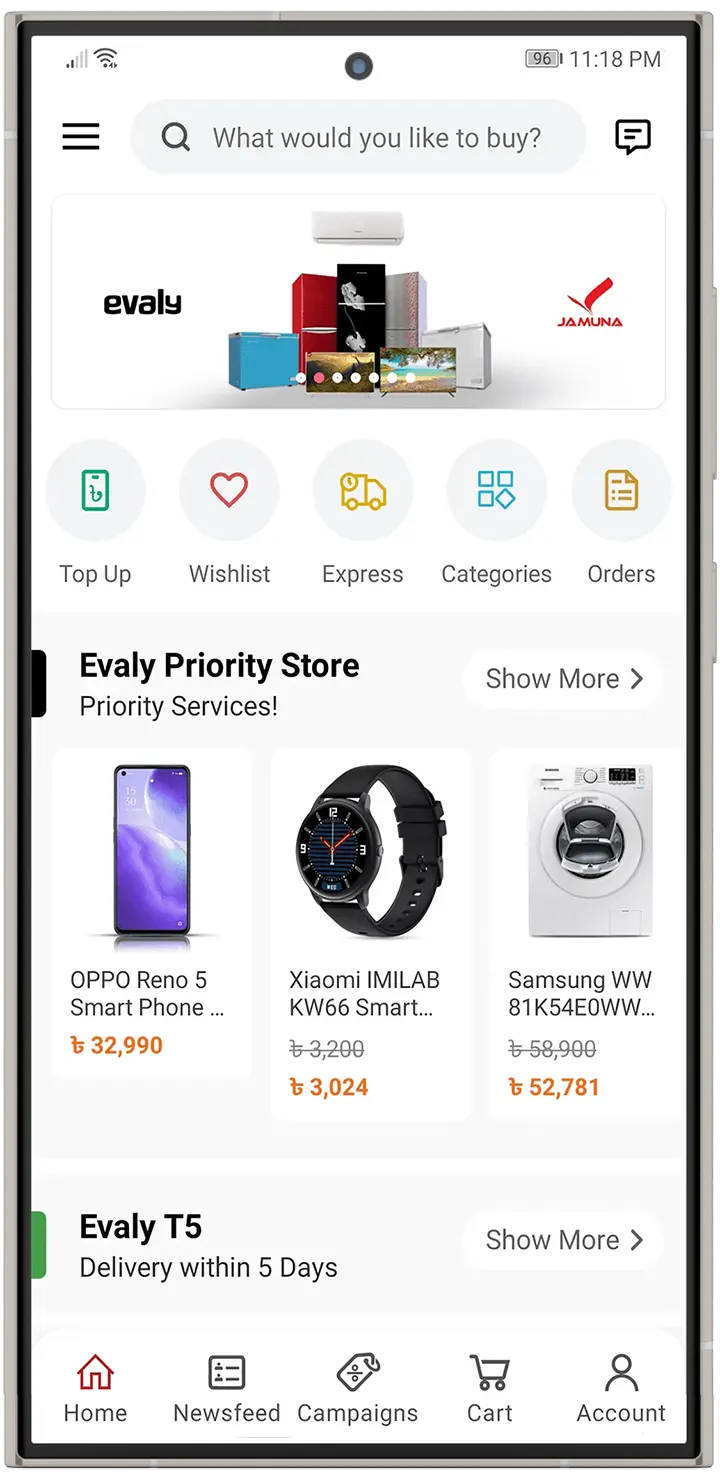
Evaly — online marketplace app
Android shopping app for one of Bangladesh's most popular online marketplaces.