Lestra — tabbed multitasking for Android
All-in-one Android app bundling a music/video player, browser, text editor, e-book reader and paint tool behind tabs.
Why install seven different apps when one can do the job?
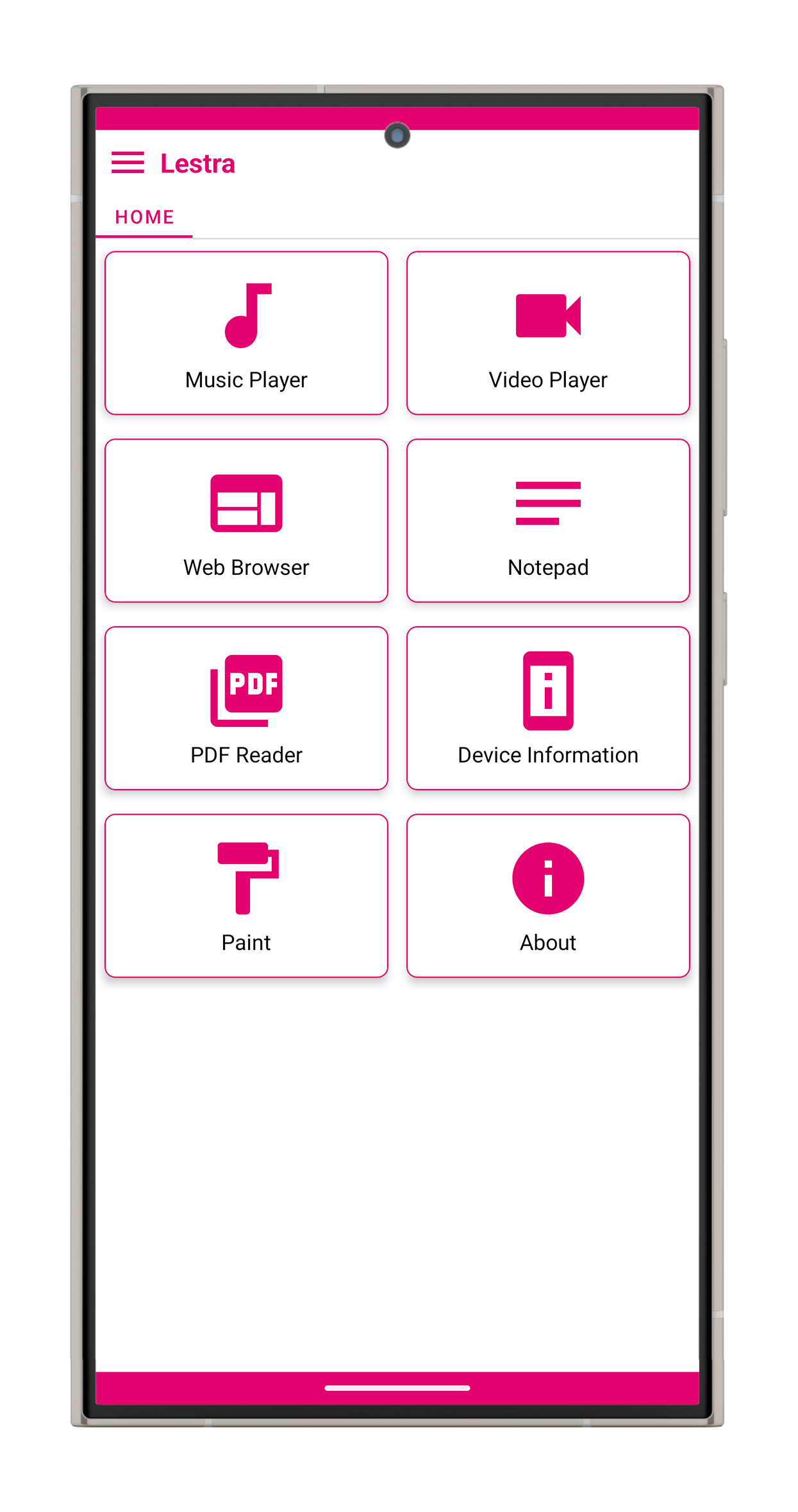
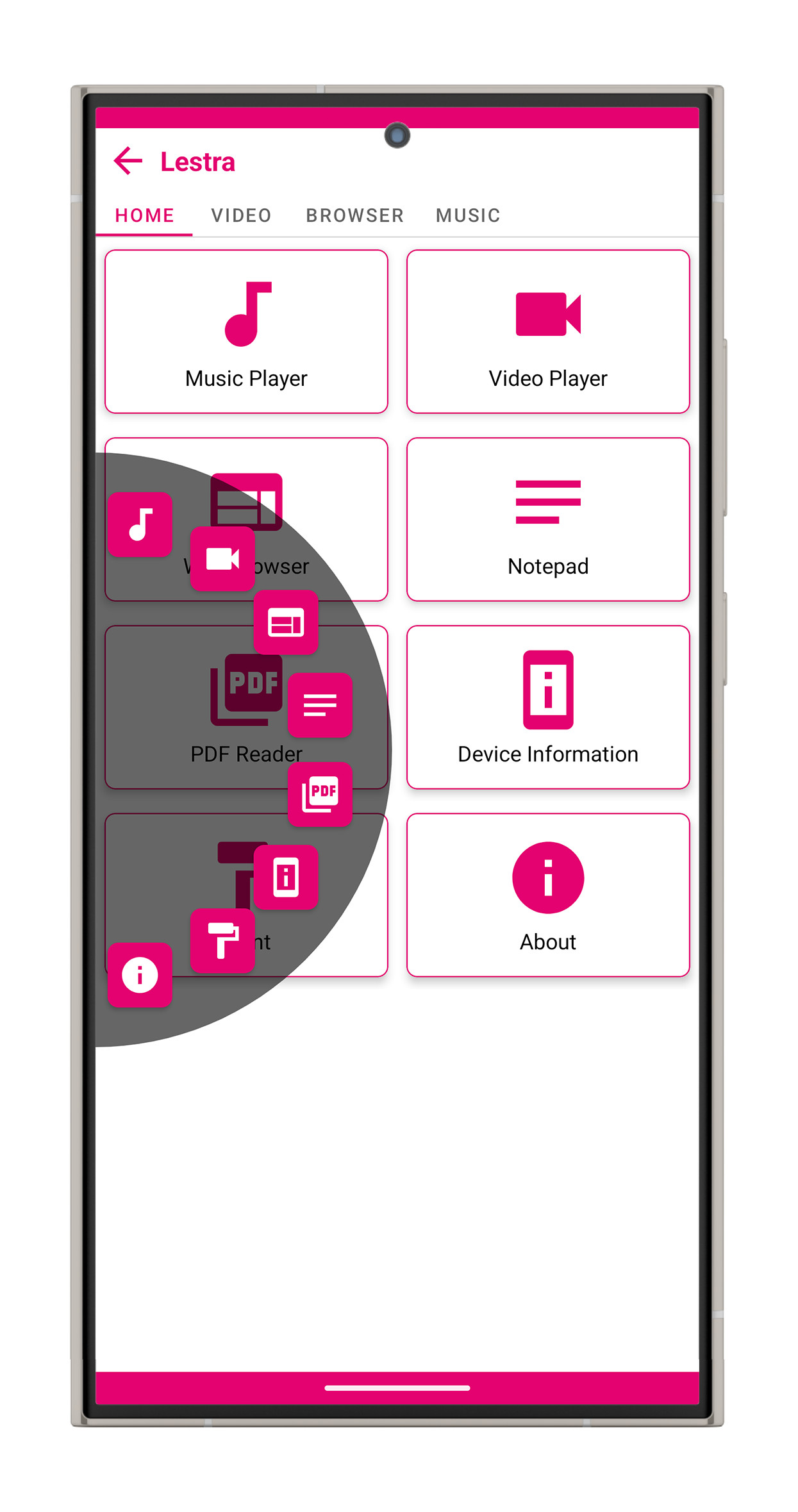
Lestra brings seven everyday utilities together under one roof: a web browser, video player, music player, notepad, sketch pad, PDF reader, and live device information panel.
Everything lives inside a clean, tab-based experience, so users can jump from browsing the web to sketching an idea, reading a PDF, or checking their phone’s stats without constantly switching between apps.
Built as a lightweight native Android app, Lestra is designed to keep things simple, fast, and pleasantly clutter-free.
Seven tools. One app. Less app-hopping.
The challenge
“Let’s put seven apps into one.”
Sounds easy. It wasn’t.
The real challenge wasn’t simply adding features — it was making seven completely different tools feel like they belonged to the same product.
A browser has tabs and history. A music player handles media. A drawing tool needs buttery-smooth touch input. A PDF reader deals with documents. And device information needs to stay updated in real time.
Some of the biggest challenges were:
- Making drawing feel natural — freehand drawing needed to feel smooth and responsive, without jagged lines or frustrating lag. Undo and redo also had to work instantly.
- Making tab switching feel instant — moving from the browser to music, notes, or drawing shouldn’t feel like opening another app every time.
- Keeping device information alive — battery, sensors, display details, and other device information needed to stay updated without constantly refreshing everything.
- Making seven different tools feel like one app — despite their completely different purposes, every feature needed to share the same visual language and interaction style.
- Keeping the app lightweight — packing seven feature areas into one application could easily turn into a bloated download. Lestra needed to stay lean.
The approach
The answer was to treat Lestra as one product with seven personalities, rather than seven mini-apps thrown into a box.
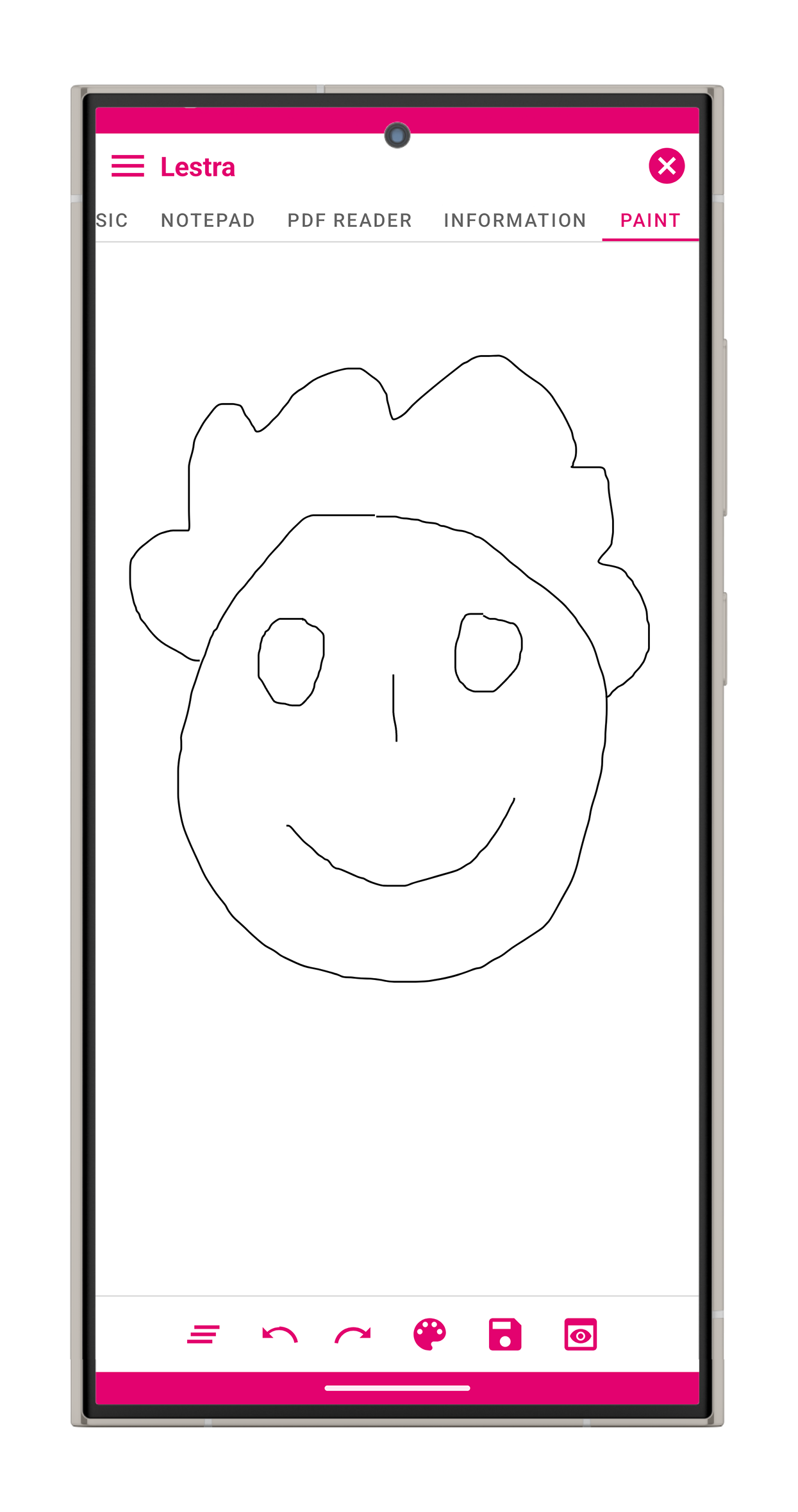
- A custom drawing experience
The sketch pad uses its own drawing engine to turn finger movements into smooth, natural-looking strokes. Built-in undo and redo make experimenting effortless — draw something, undo it, try again. - Instant-feeling tabs
Each tool is loaded when needed and kept ready in the background. Switching from Music to Notes to Browser feels like changing tabs, not restarting an app. - A proper browser inside the app
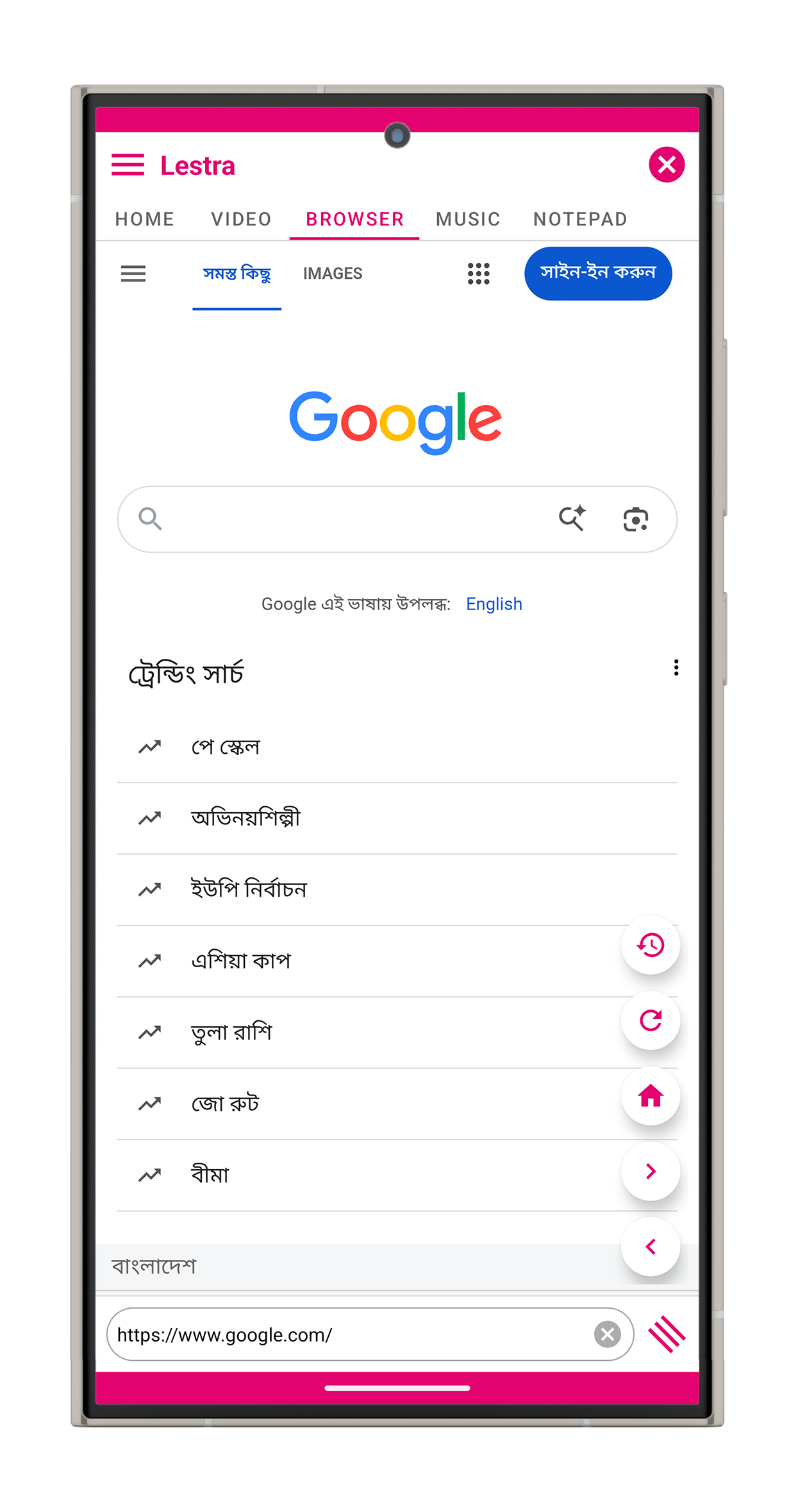
Lestra’s browser includes tabs, browsing history, back/forward navigation, zooming, and modern web support — all wrapped in a clean interface that feels like part of Lestra rather than a separate browser. - Live device information
Battery details, display information, sensors, and other device statistics update automatically, giving users a live look at what’s happening inside their phone. - One consistent visual language
A unified Material-based interface, consistent spacing, navigation, and theming bring every feature together. Whether you’re opening a PDF or drawing on the screen, it still feels unmistakably like Lestra. - Small by design
The release build is optimized to remove unnecessary resources and keep the final app lightweight — impressive considering everything packed inside it.
The goal throughout was simple: make the complexity invisible to the user.
The outcome
Lestra became a fully working Android utility suite with seven complete tools living comfortably inside one app.
- The browser remembers where you left off.
- The music and video tools are ready when you need them.
- The notepad is always one tap away.
- The sketch pad lets ideas flow naturally.
- The PDF reader handles documents without another download.
- And the device panel keeps an eye on what’s happening inside your phone.
Most importantly, the app doesn’t feel like seven unrelated utilities glued together.
It feels like one product.
And that’s what makes Lestra interesting: beneath its simple interface is a modular architecture that makes adding the next tool as straightforward as adding another tab.
Seven tools. One lightweight app. A surprisingly ambitious little utility.
Screens
More like this
 Client
iOS
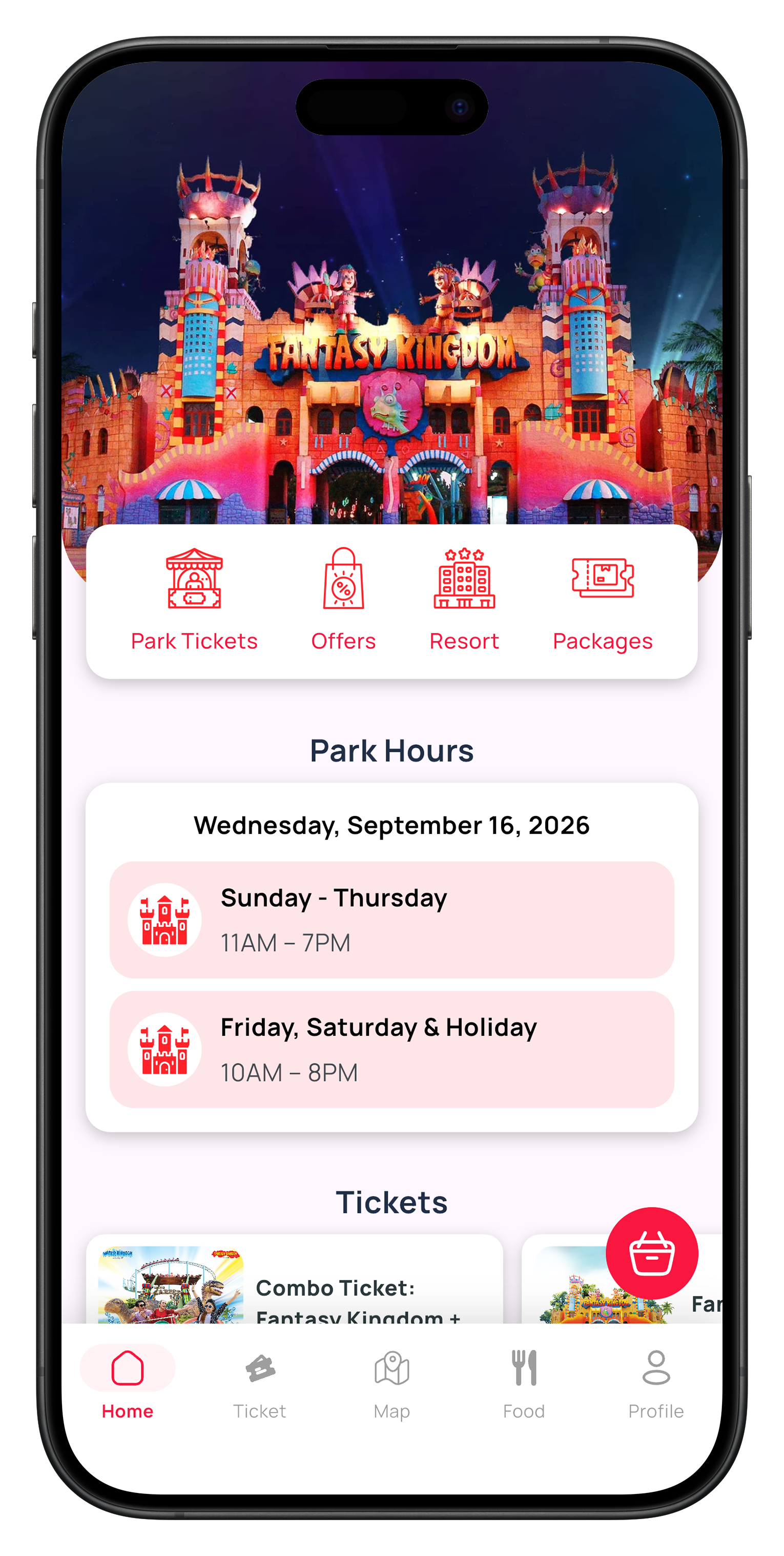
Fantasy Kingdom — amusement park ticketing app
The first amusement-park app built for iOS in Bangladesh, alongside its Android counterpart.

 Client
Android
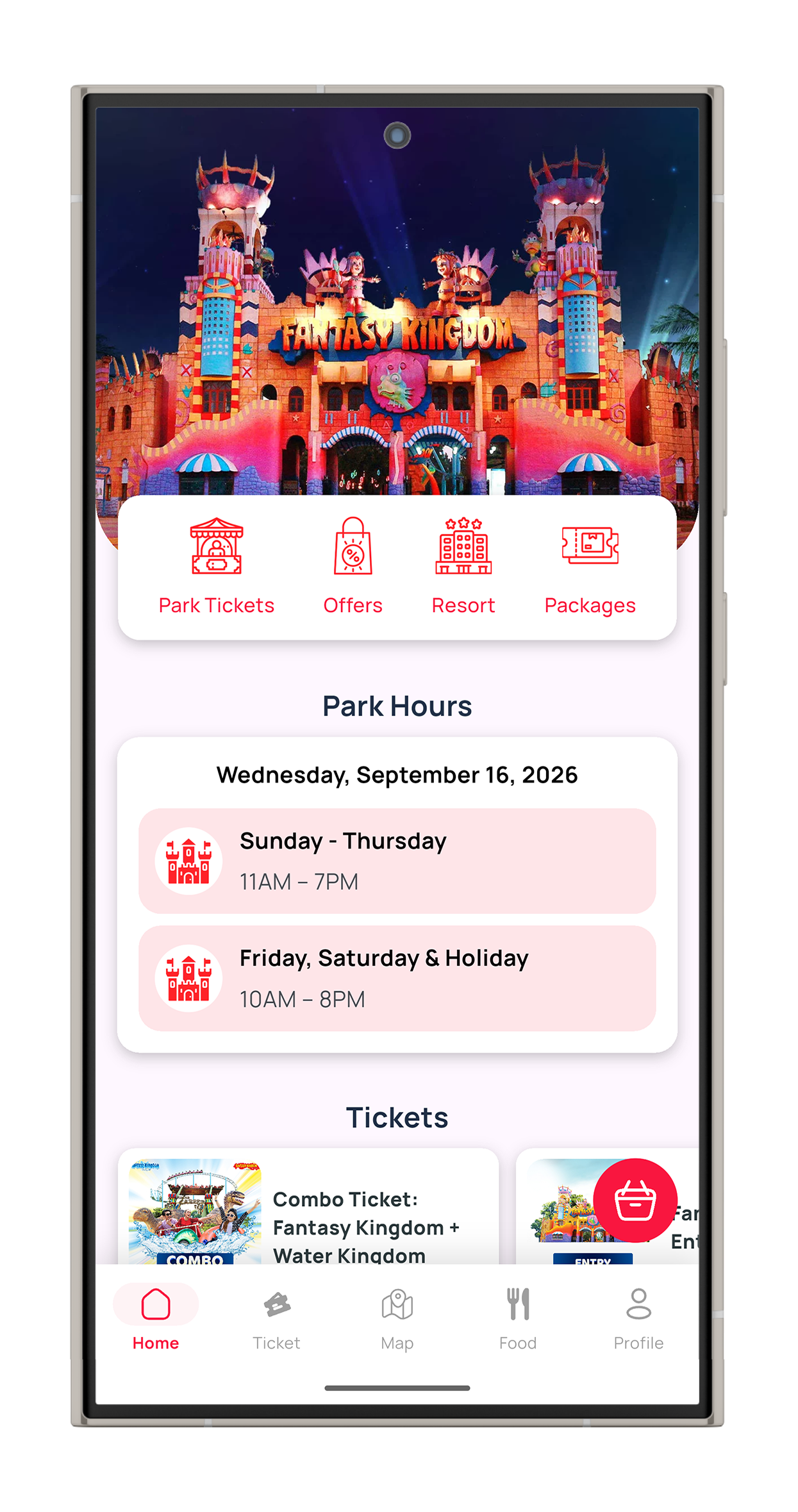
Fantasy Kingdom — amusement park ticketing app
The first amusement-park app built for iOS in Bangladesh, alongside its Android counterpart.

 Client
Android
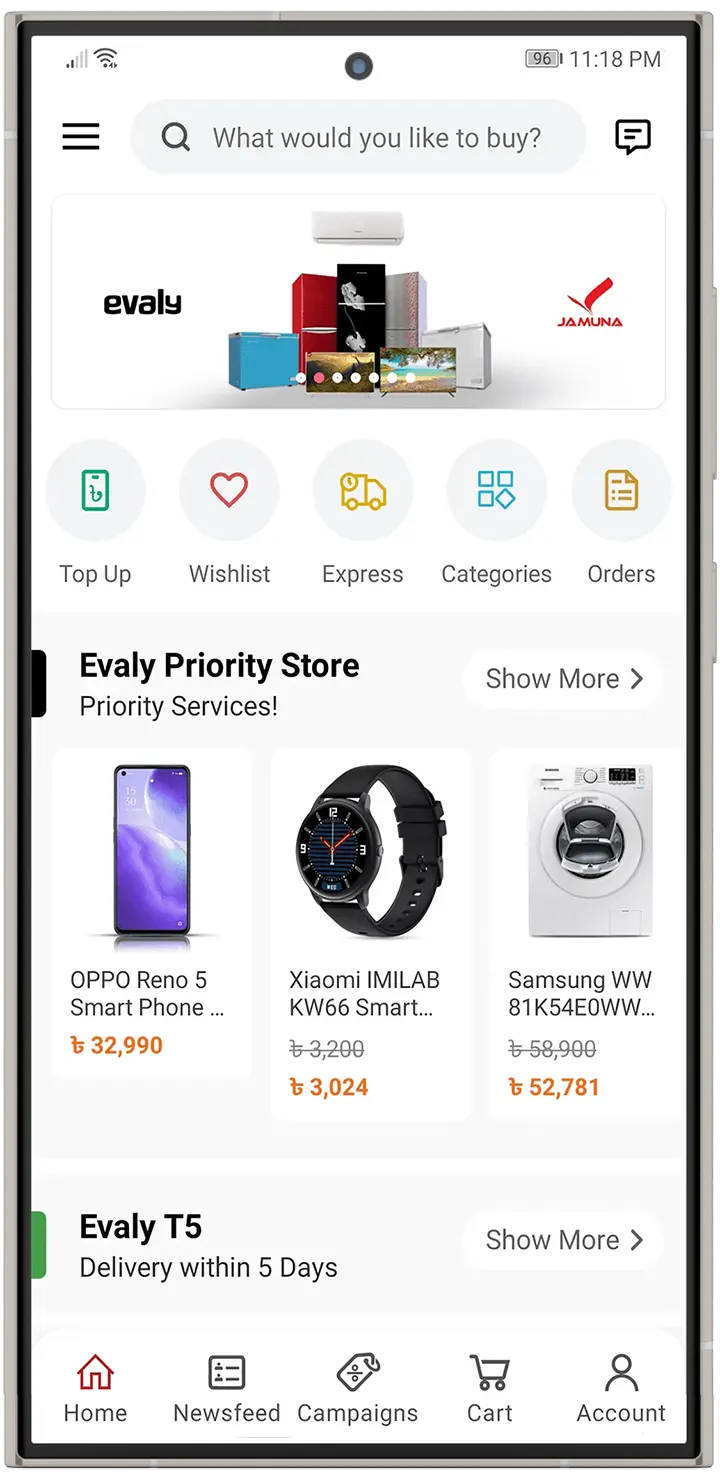
Evaly — online marketplace app
Android shopping app for one of Bangladesh's most popular online marketplaces.