

Zyrian — AI voice assistant for Android
Artificially intelligent Android app that understands speech and carries out voice commands.
What if you could control your phone without touching it?
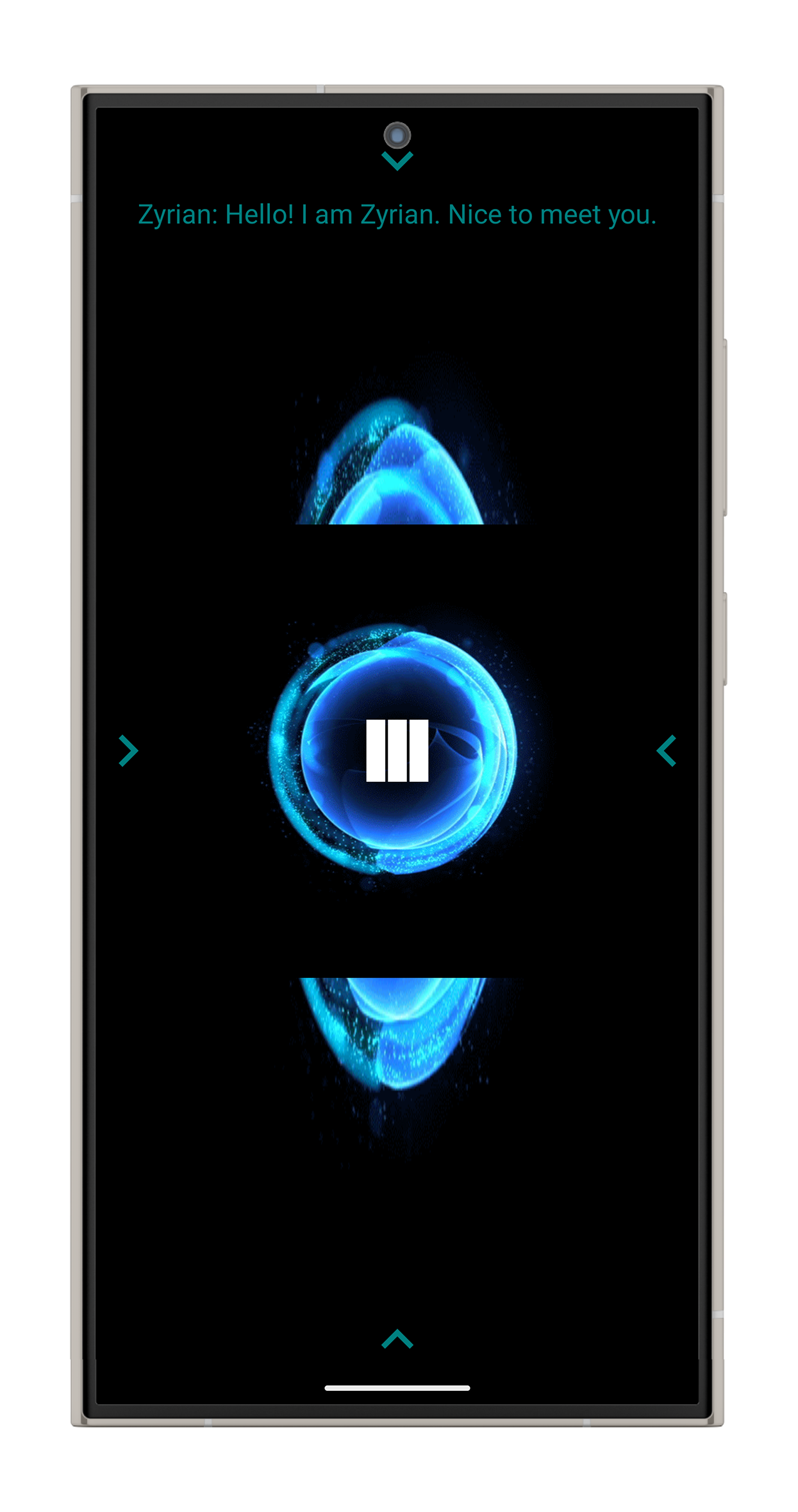
Zyrian is a voice-controlled personal assistant for Android that turns spoken commands into real actions. Just tell it what you want:
“Call John.”
“Turn on the flashlight.”
“Read this text.”
“Remind me to call Mom.”
Zyrian listens, understands the command, gets the job done, and can even talk back when it’s finished.
But it doesn’t stop at the usual “set an alarm” or “what’s the weather?” assistant routine. Zyrian was designed to interact with the phone itself — from calls, messages, and emails to Wi-Fi, Bluetooth, brightness, volume, music, reminders, and more.
It can even look at text through the camera and read it aloud.
What can Zyrian do?
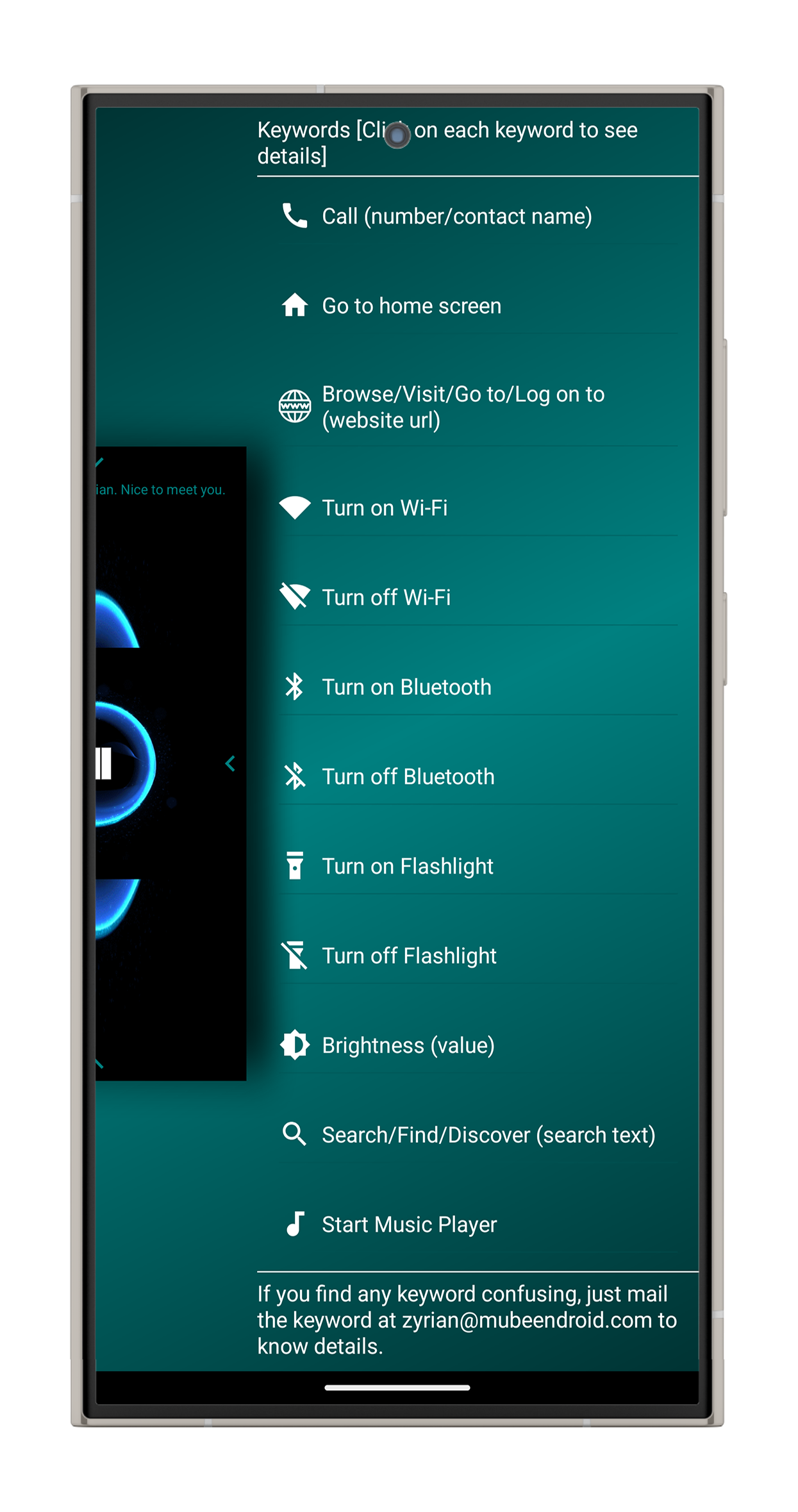
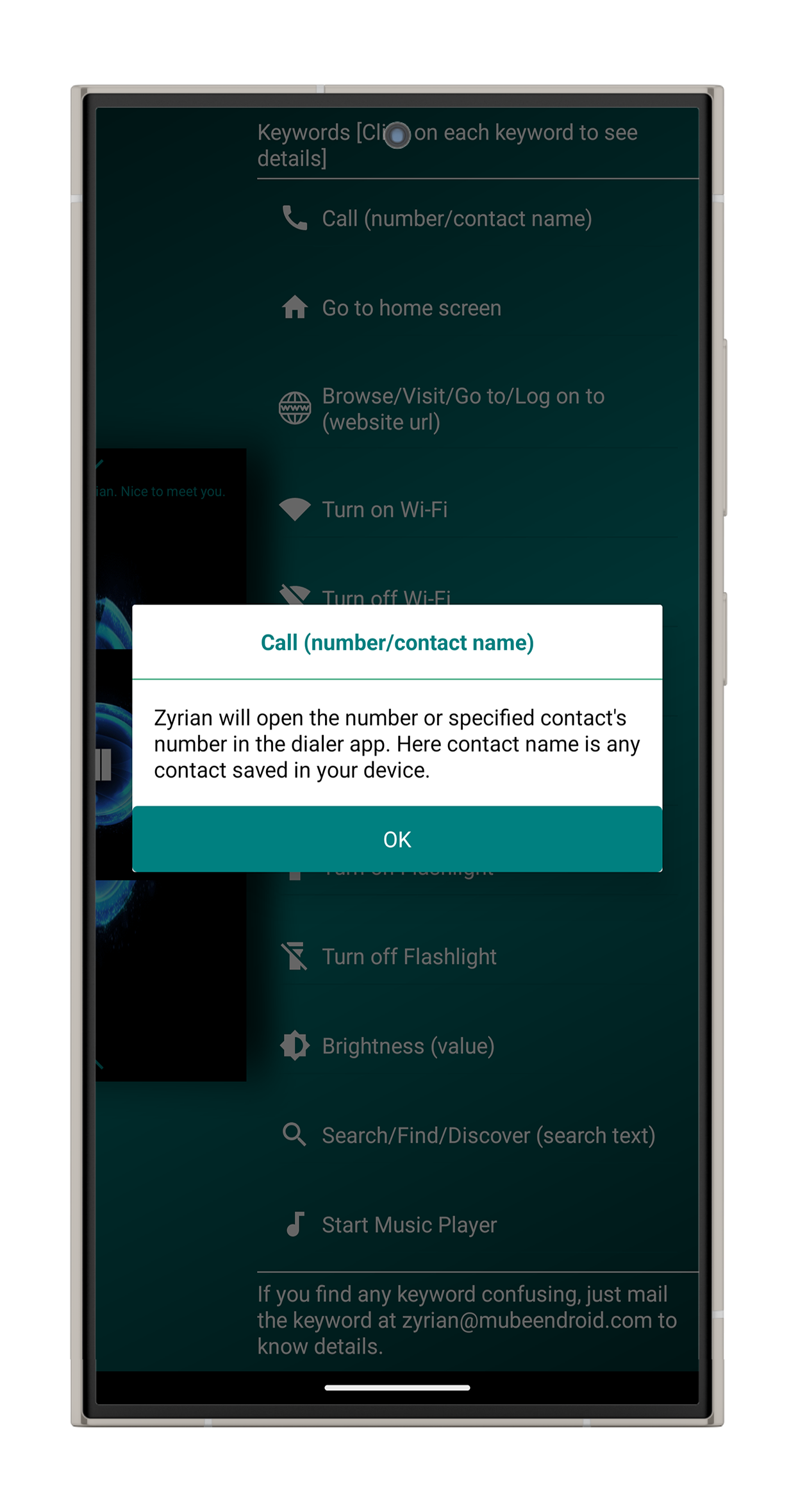
- Make calls and send SMS or emails using your voice
- Capture text with the camera and have it read aloud
- Control everyday phone features like Wi-Fi, Bluetooth, flashlight, brightness, volume, and wallpaper
- Play music, set reminders, and perform calculations
- Tell you what’s happening on your phone — battery, network, device, display, sensors, and more
- Keep listening for hands-free interaction
- Teach you its own commands through a guided tutorial and a fully spoken user manual
The idea was simple:
Talk to your phone. Let Zyrian handle the rest.
The challenge
Building a voice assistant sounds like a conversation between a user and a microphone.
Building one that can actually control a phone is a very different story.
I didn’t want Zyrian to be another assistant that understood a few predefined commands and stopped there. The goal was to create something that could act as a genuine hands-free control layer for Android.
That meant solving several interesting problems.
Turning everyday speech into actions
People don’t always speak like command manuals.
A user might say the same thing in several different ways, but the phone still needs to understand exactly what action they want — and which person, message, number, or setting is involved.
Always ready, without constantly getting in the way
A hands-free assistant isn’t very useful if you have to keep opening the app before talking to it.
Zyrian needed to remain easily accessible while being responsive and lightweight enough for everyday use.
Helping the phone see
Voice control is great until the user needs to know what’s written on the screen or on a piece of paper.
That meant giving Zyrian the ability to look at an image, recognize the text, and turn it back into speech.
Making many abilities feel like one assistant
Calling, texting, emailing, changing device settings, playing music, reading text, setting reminders…
These are completely different jobs.
The challenge was making them all behave consistently, so users didn’t have to learn a completely different way of talking for every feature.
The approach
Instead of relying on a complicated cloud-based AI system, I built Zyrian around a lightweight command system designed specifically for predictable voice control.
The assistant breaks spoken commands into meaningful pieces, figures out what the user wants, and then performs the appropriate action.
For example, an email command can understand who the email is for, what the subject is, and what the message should say — all from one spoken instruction.
Speak → Understand → Act
Zyrian uses Android’s built-in voice technology to handle both sides of the conversation: listening to the user and speaking the response back.
A continuous listening mode makes hands-free interaction feel natural, while a notification-based option provides another way to quickly reach the assistant without constantly keeping the full interface open.
Camera → Text → Voice
One of Zyrian’s more fun abilities is its built-in text recognition.
Point the camera at something, capture it, and Zyrian can recognize the text and read it back to you.
The recognized text can also be saved or copied, making the feature useful for everything from reading printed information to grabbing text without typing it manually.
One assistant, many controls
The same command system powers everything from:
Calls → SMS → Email → Flashlight → Wi-Fi → Bluetooth → Volume → Brightness → Music → Reminders → Calculator → Device information
Each capability follows the same conversational pattern, so users can discover new features without learning an entirely new interface every time.
Teaching the assistant
A powerful assistant is only useful if people know what they can ask it to do.
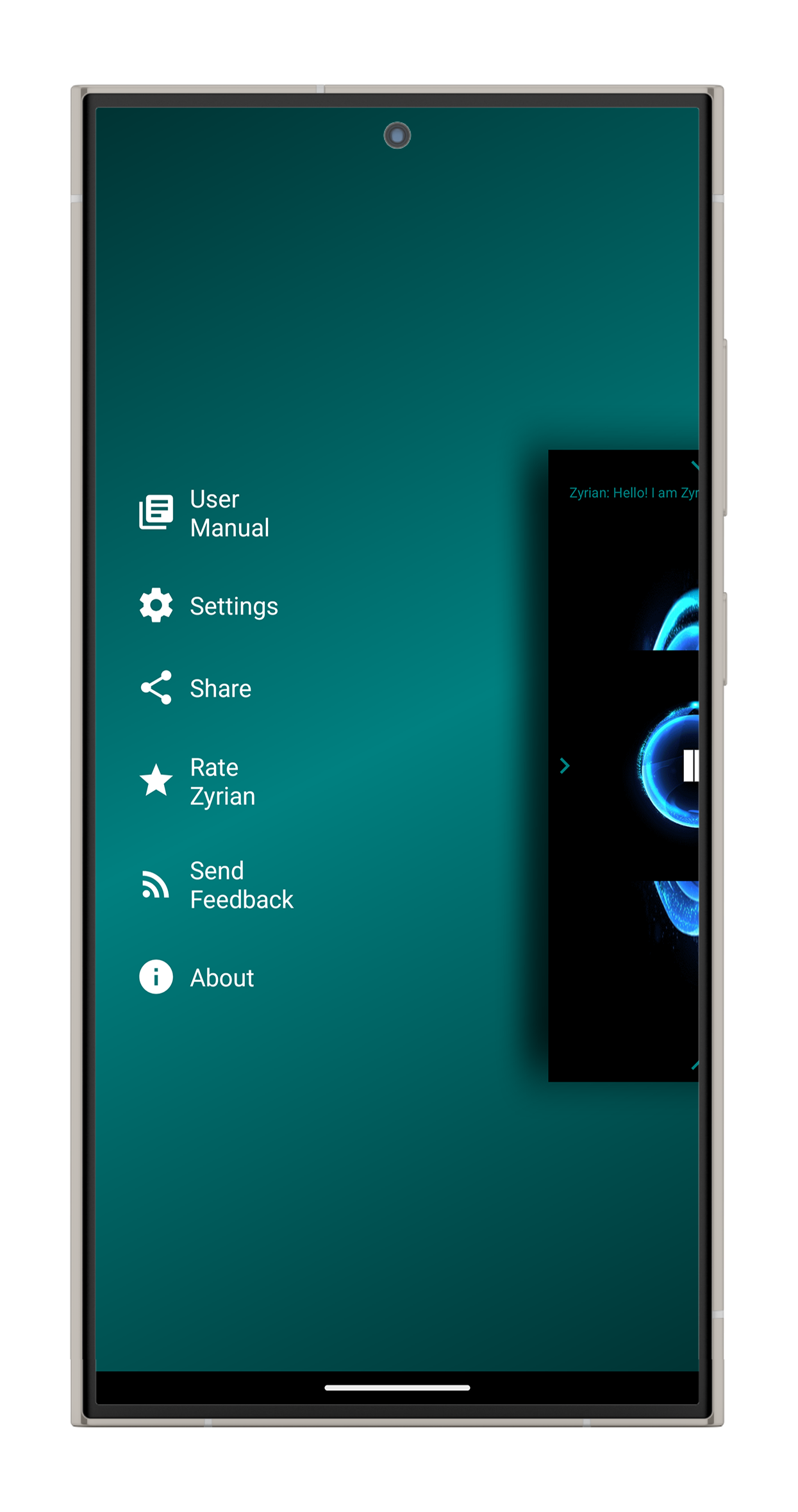
That’s why Zyrian includes a guided introduction and even a spoken user manual covering its available commands.
Users can essentially ask the assistant how to use the assistant.
The outcome
Zyrian grew into a complete Android assistant with 20+ voice-driven capabilities, built and maintained independently under MubeenDroid Studio.
More than just a collection of voice commands, it became an experiment in creating a voice-first way of interacting with Android.
The project brought together voice recognition, spoken responses, text recognition, device automation, accessibility-focused interaction, onboarding, and a surprisingly large collection of everyday phone controls — all inside one application.
And perhaps the most interesting part?
I built the assistant that tells the phone what to do… without needing to touch the phone.
Zyrian is a great example of taking a simple question — “What if I could just talk to my phone?” — and turning it into a fully working Android product.
Screens
More like this
 Client
iOS
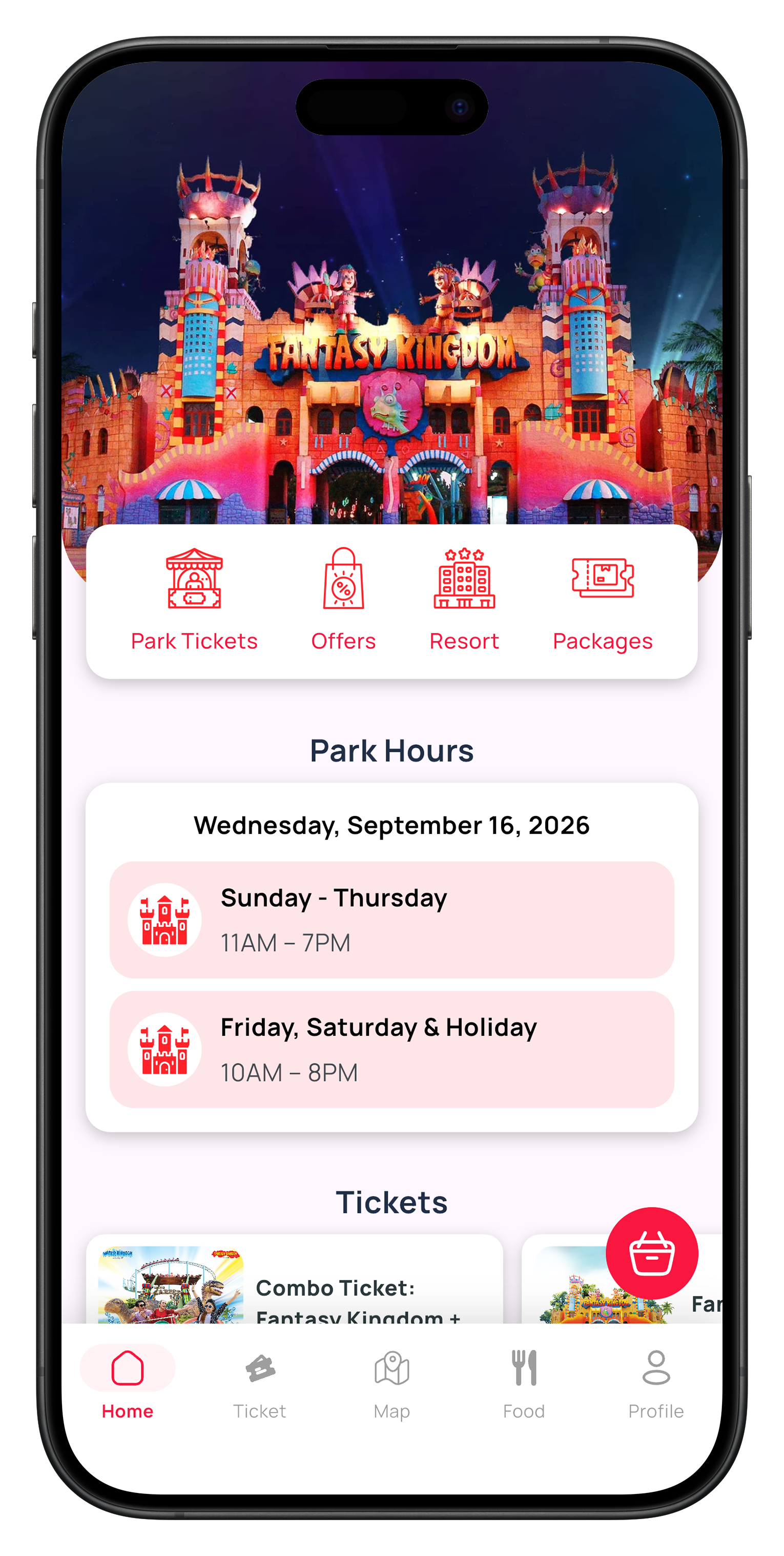
Fantasy Kingdom — amusement park ticketing app
The first amusement-park app built for iOS in Bangladesh, alongside its Android counterpart.

 Client
Android
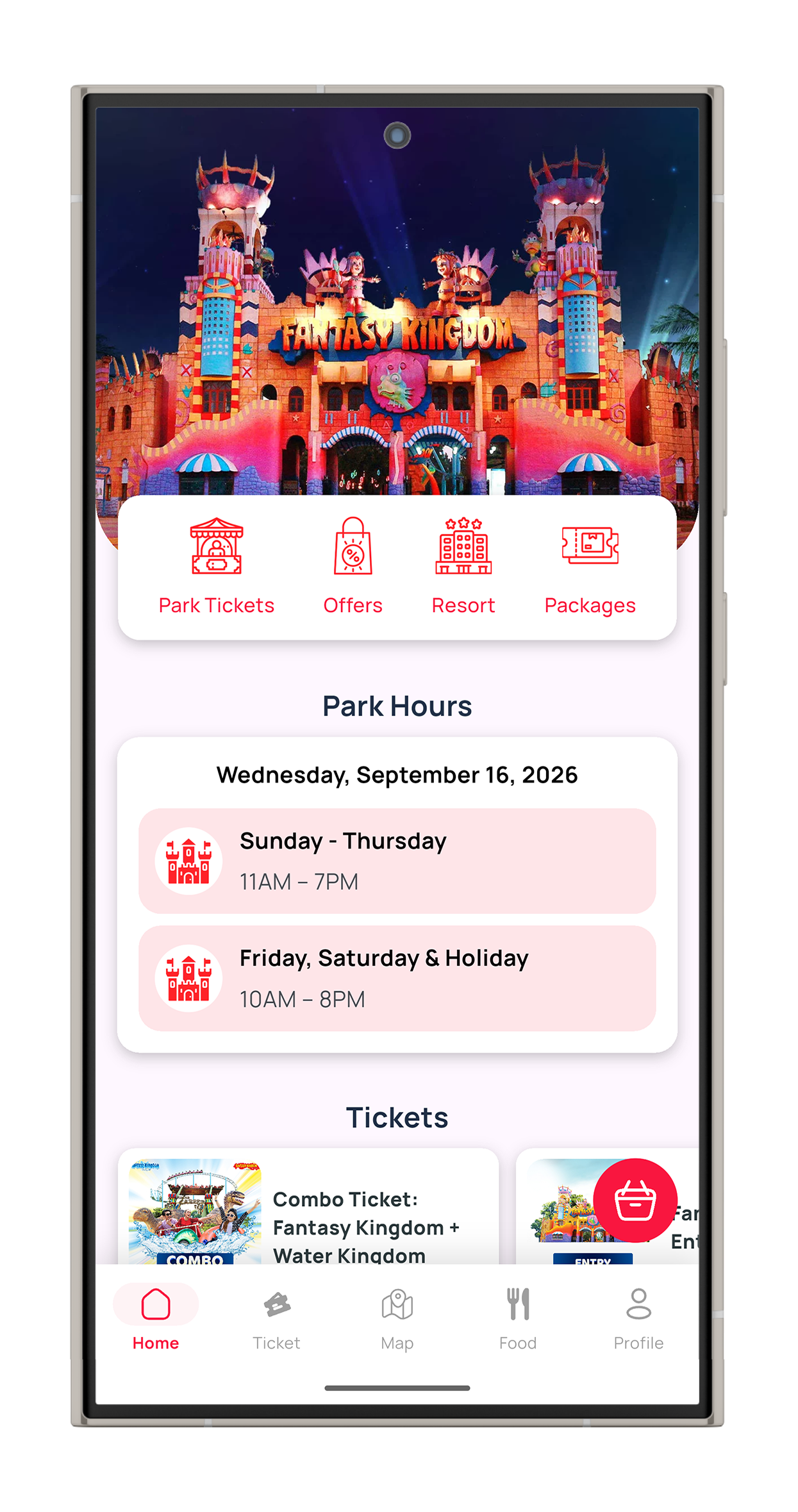
Fantasy Kingdom — amusement park ticketing app
The first amusement-park app built for iOS in Bangladesh, alongside its Android counterpart.

 Client
Android
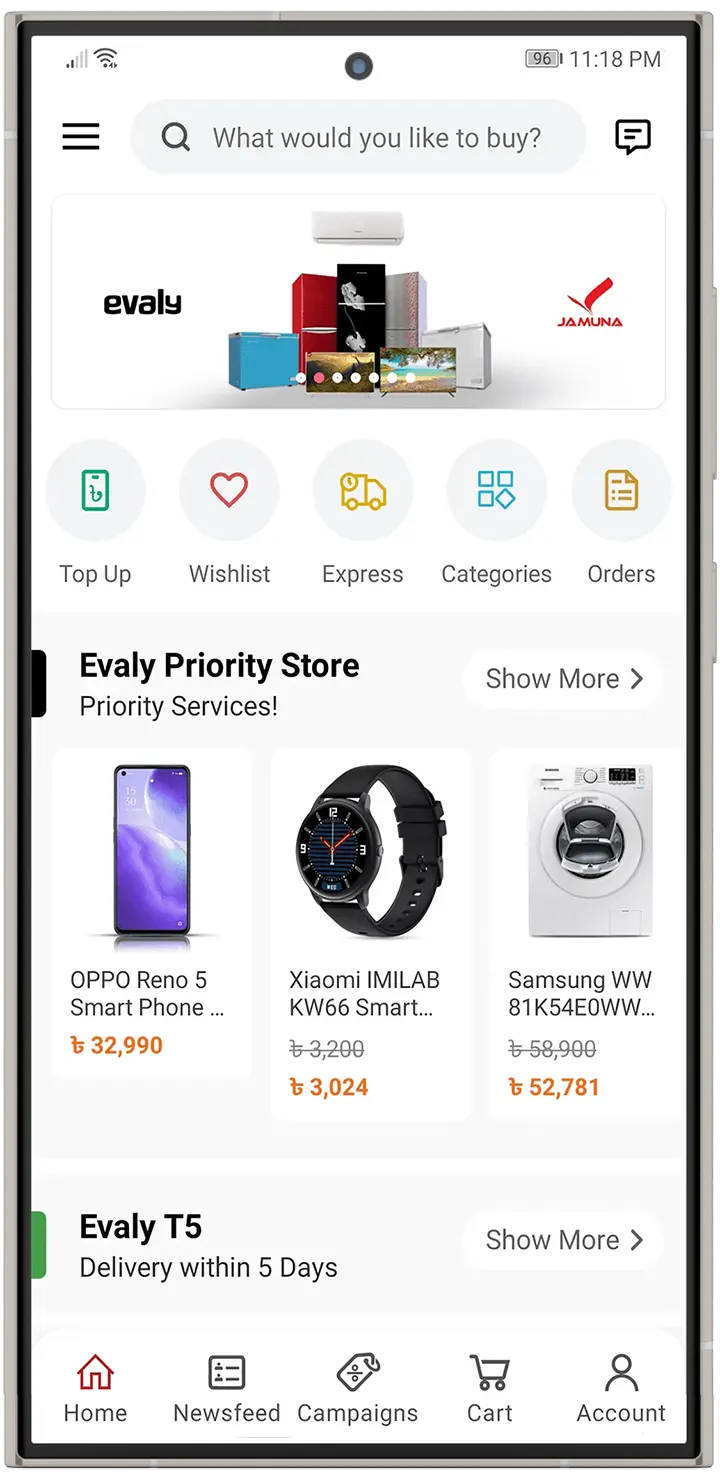
Evaly — online marketplace app
Android shopping app for one of Bangladesh's most popular online marketplaces.